DeskFlower

One keyboard and mouse
for all your computers

Move the cursor past the edge of the screen and keep working on the next computer. Copy, paste and drag files between them as if they were one. On your local network, no accounts, no cloud.

Free for personal use · Windows, macOS and Linux

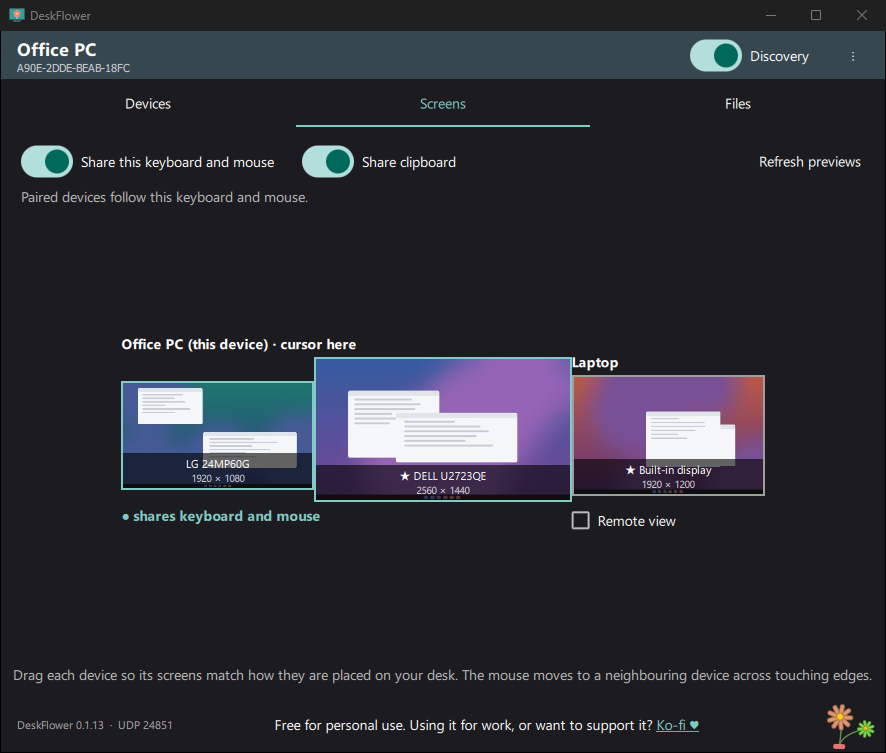
DeskFlower window: the screens of two computers placed side by side
Keyboard and mouse

Cross the edge of the screen, you are on the other computer

Place your computers' screens as they sit on your desk, and the mouse moves between them across the edges they share. The keyboard follows, shortcuts included.

The cursor is only shown on the screen you are using, so you never lose it.
Clipboard

Copy on one computer, paste on the other

Text, images and files. The clipboard follows the mouse: it goes only to the computer you move to, never to the others, so a copied password stays where you meant it.

Copying a file does not send anything yet: it only travels when you paste it, straight to the folder you paste it into.

Drag and drop

Drag files from one computer to another

Pick up files on one computer and drop them on the other's desktop, into a folder or into an app. You see the file being dragged all the way.

The files are moved safely: they are copied first, checked, and only then does the original go to the Recycle Bin.

Remote view

See the other computer's screens

Open a live view of a paired computer in a window, and work on it with your keyboard and mouse. With several screens, the view moves to the next one as the mouse does.

Nobody watches a screen without its owner's permission.

Phone

Send files from your phone, with a QR code

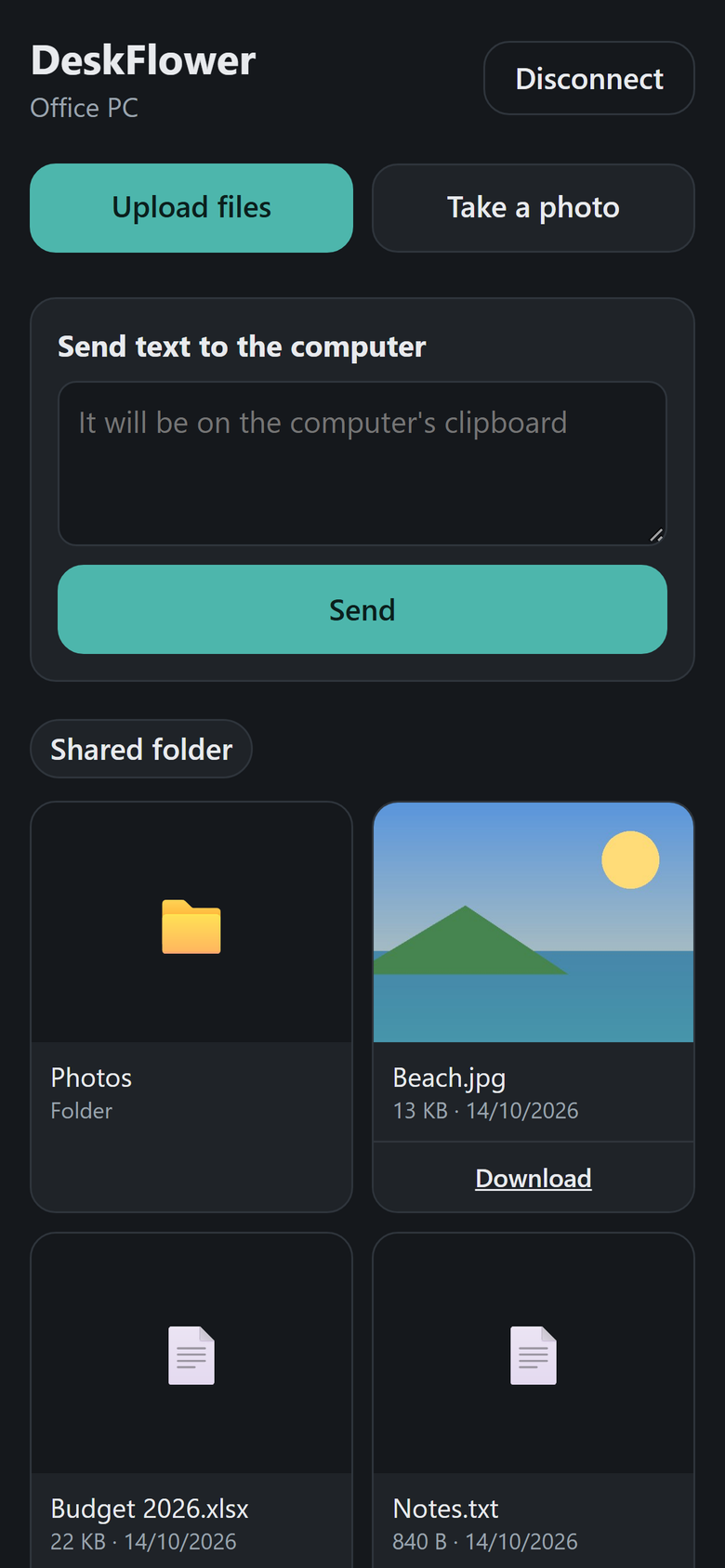
Scan the code in DeskFlower with the phone's camera. Upload photos and files to the computer, download from it, or send text straight to its clipboard. Nothing to install on the phone.

DeskFlower's page on a phone: upload files, take a photo, send text, shared folder
Shared folder

One folder for everything that arrives

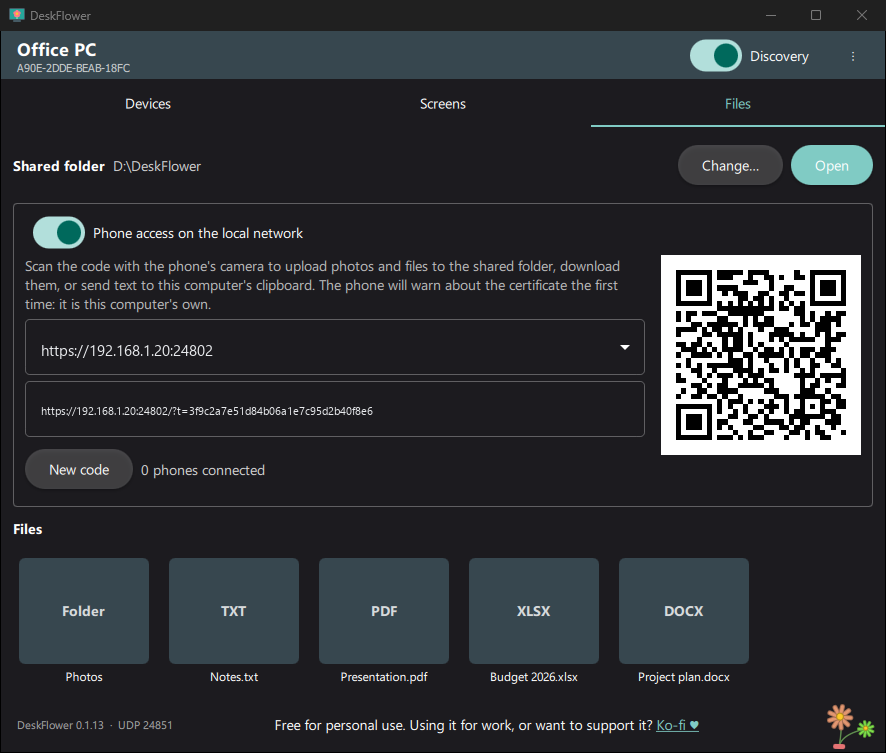
Files from your phone and from other computers land in a shared folder you choose, shown live in the app.

Files tab: shared folder, phone access QR code and files
Pairing

Pair once with a PIN, encrypted from then on

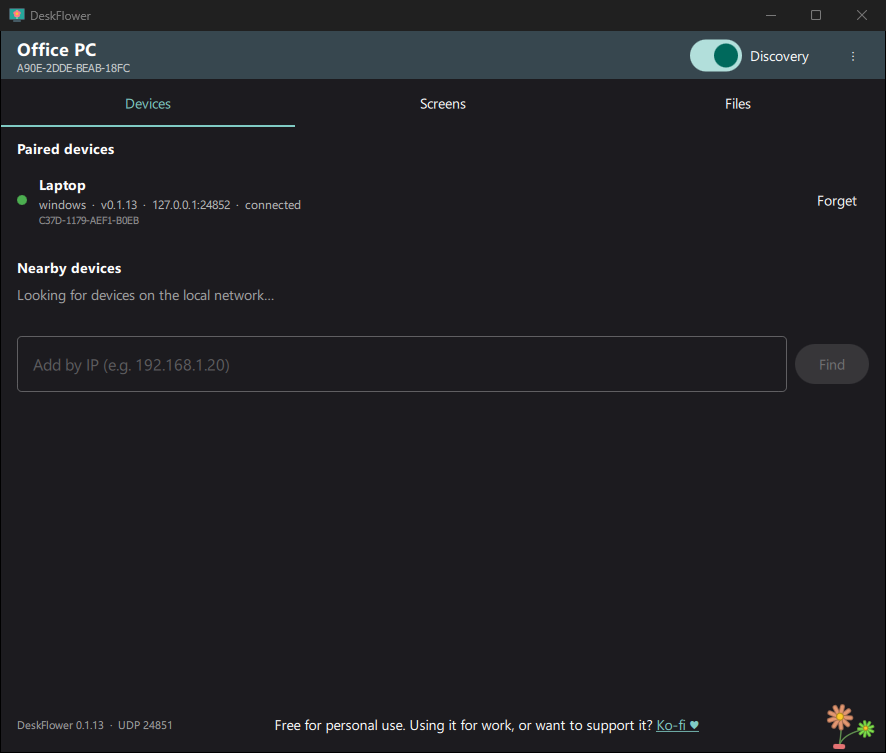
Computers find each other on the local network. Confirm a PIN once and they are paired: everything between them is encrypted, and only paired computers can connect.

Devices tab: a paired laptop, connected
🔄

Updates itself

Install a new version on one computer and the paired ones update from it, with signed packages.

🚀

Starts with Windows

It runs in the background and is ready when you sign in, also after an update.

🏠

Stays at home

No accounts and no servers: everything happens on your local network.

🌼

A small bouquet

One flower per connected computer, the same bouquet on all of them.

Download

The latest version, straight from GitHub.

Windows says "Windows protected your PC"? The installer is not signed yet, so Windows does not recognise it. Click More info and then Run anyway.

To update, download the new version and install it over the one you have: paired computers and settings are kept, and paired computers then update from this one.

All versions and release notes

Bouquets with one flower per computer

Free, with the source code open to read

DeskFlower is free for personal use and its code is available. If you use it for work, or it simply saves you time, buying a license (5 €, for life) or a coffee helps me keep it maintained and improving.